


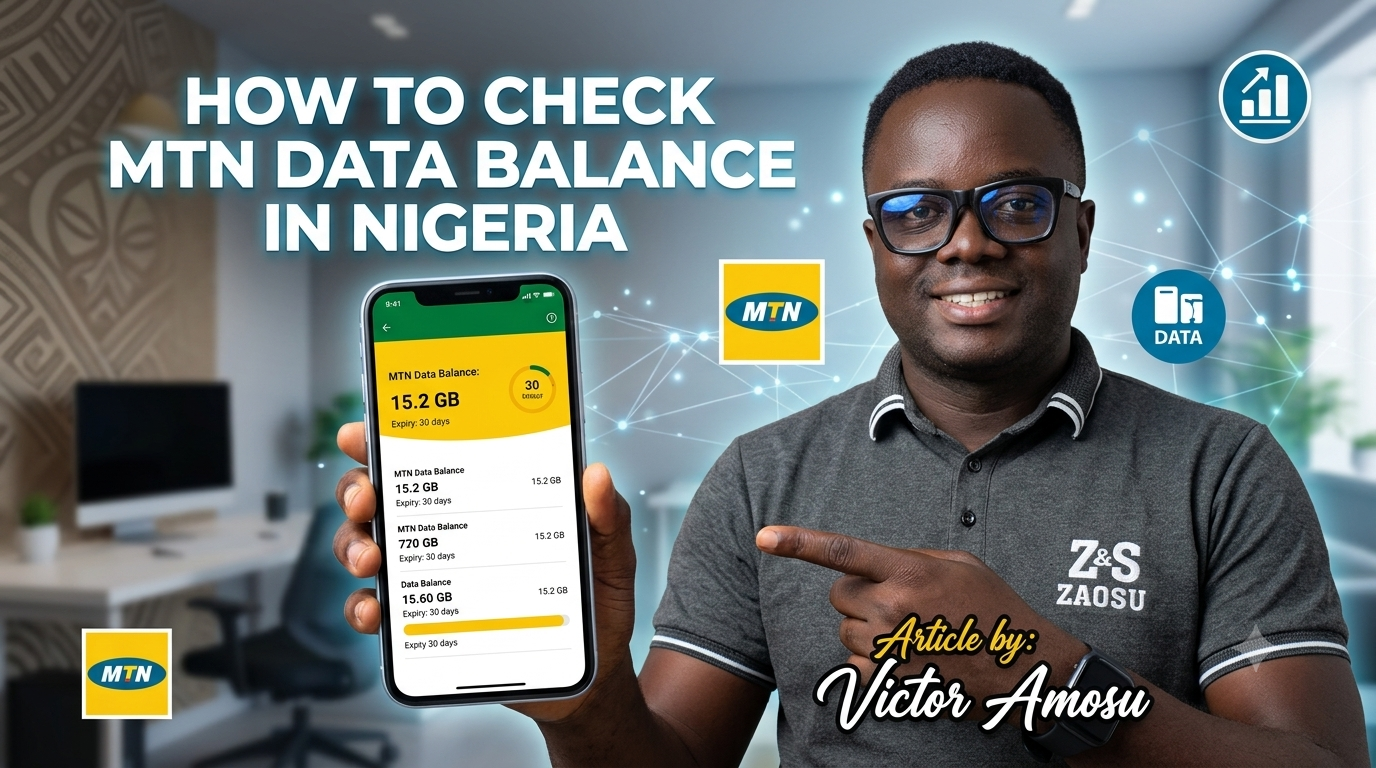
If you’re an MTN subscriber in Nigeria, checking your data balance regularly helps you avoid unexpected data exhaustion while browsing, streaming, or working online. Fortunately, MTN offers several easy ways to monitor your remaining data.
Method 1: Check MTN Data Balance Using USSD Code
The fastest method is through a USSD code.
Option 1 (Recommended)
Dial:
*323#
Your remaining data balance, bonus data (if available), and expiry date will be displayed on your screen or sent via SMS. This is the standardized data balance code currently used across Nigerian telecom networks.
Option 2 (Alternative)
Dial:
*131#
Then select:
Data Balance
Some MTN users still access their balance through this menu-based option.
Method 2: Check Data Balance via MyMTN App
If you use a smartphone:
- Download the MyMTN App.
- Sign in with your MTN number.
- Open the dashboard.
- Your active data balance and expiry date will be displayed automatically.
Method 3: Check Data Balance via SMS
Some MTN services allow data balance inquiries through SMS commands. After sending the required keyword, MTN replies with your remaining data and validity period.
Why You Should Monitor Your Data Balance
Checking your balance helps you:
- Avoid unexpected disconnections.
- Monitor heavy data-consuming apps.
- Know when to renew your subscription.
- Keep track of bonus and promotional data.
Frequently Asked Questions
What is the MTN data balance code?
*323#Can I check my MTN data balance without internet access?
*323# from any MTN line. No internet connection is required.
