


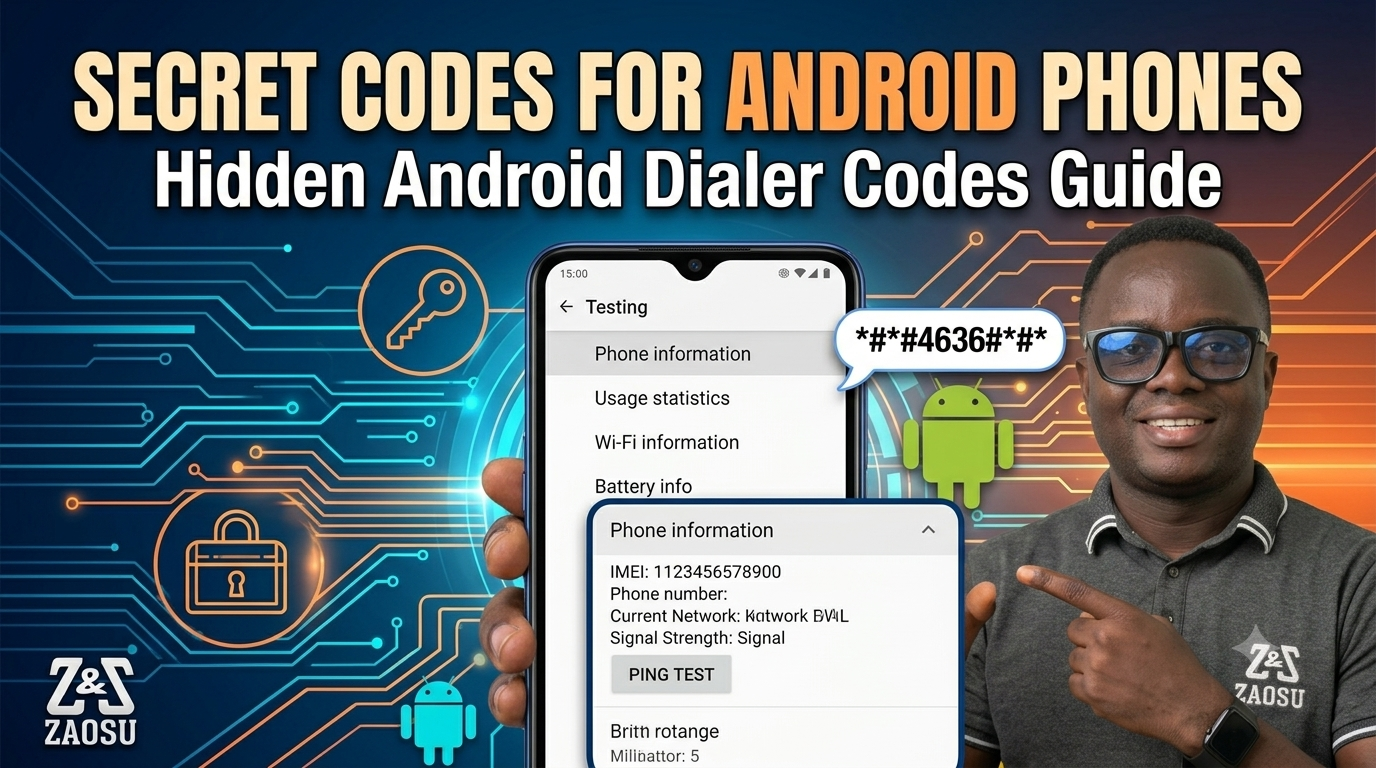
If you’ve ever used an Android phone and thought, “What else can this device do?” you’re not alone. Android phones have hidden diagnostic menus, testing tools, and secret dialer codes that most people never use.
In this guide, I’ll explain the most useful secret Android codes, rank them by how helpful they are, and share tips on using Rank Math SEO settings to help your article show up on Google.
This guide is practical and hands-on, especially if you’re like me: a tech blogger, SEO fan, or Android power user looking to get more out of your phone.
🔎 What Are Android Secret Codes?
Android secret codes are special USSD or MMI commands you enter in your phone’s dialer, the app you use to make calls. These codes let you access hidden menus for things like:
- Hardware testing
- Software information
- Battery health checks
- Network diagnostics
- Factory reset tools
Technicians and developers who work with Google devices or brands like Samsung, Tecno, and Xiaomi often use these codes.
⚠️ Important: Some codes may vary depending on your phone brand (especially Samsung Galaxy devices and custom Android skins).
TOP 20 SECRET ANDROID CODES (RANKED)
🥇 #1 – Check Phone Information
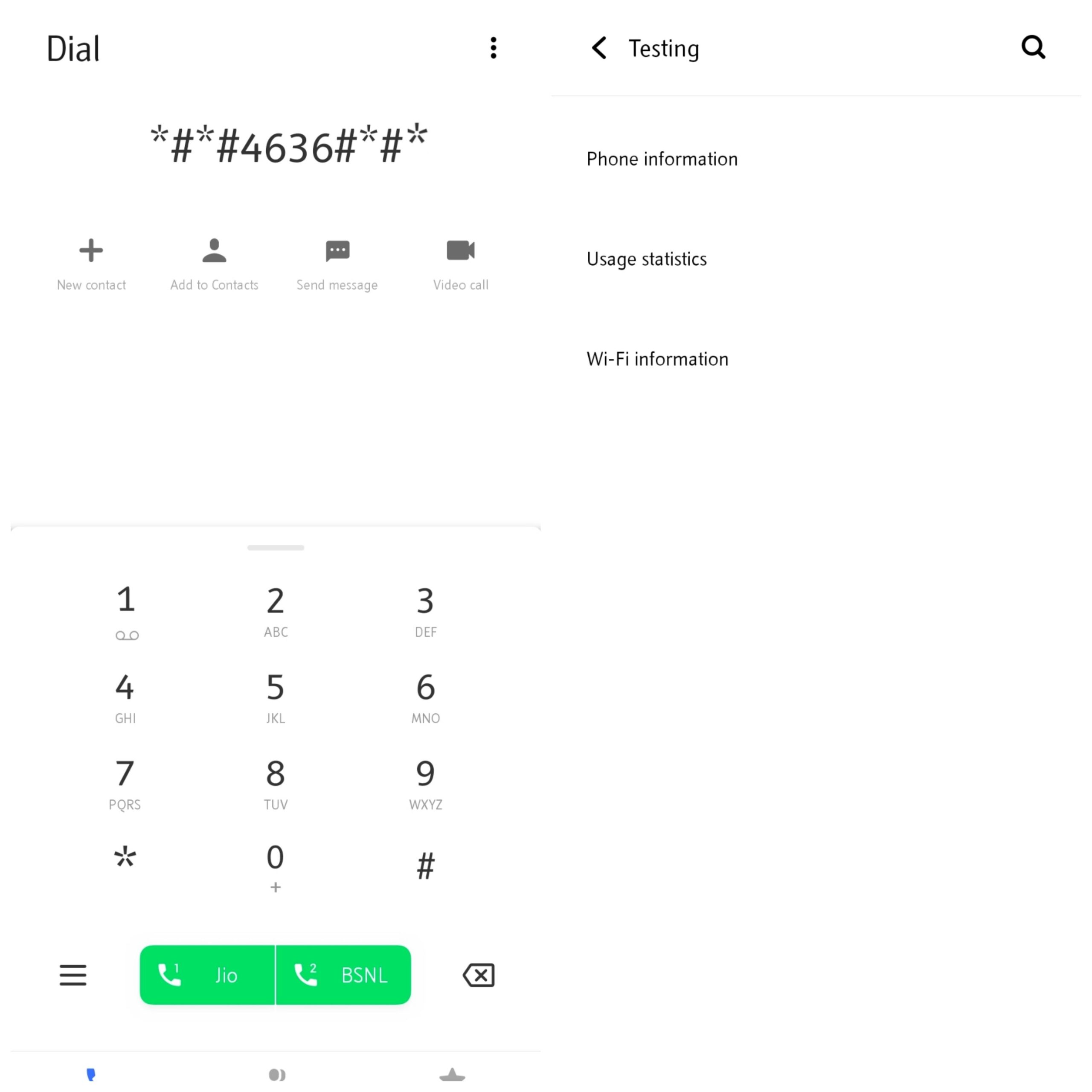
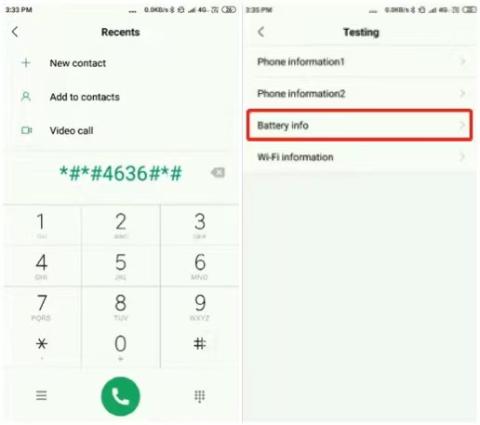
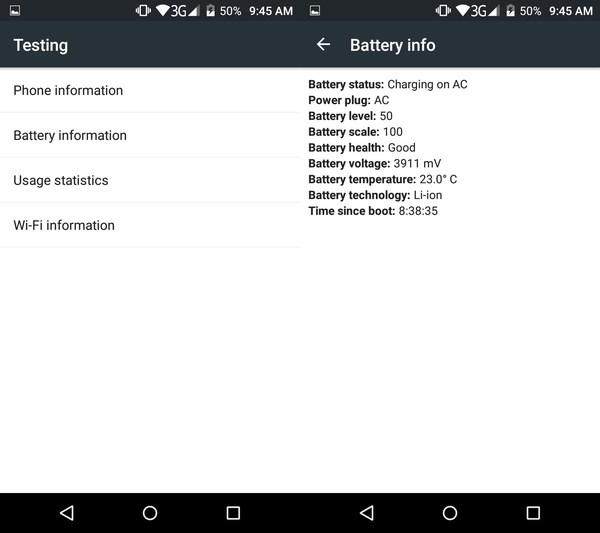
*#*#4636#*#*
What it does:
- Shows phone usage statistics
- , battery info,
- WiFi details,
- Network signal strength
📌 Why it’s #1: This is the most powerful built-in diagnostic menu on Android phones.
#2 – IMEI Number Check
*#06#
What it does:
- Displays your device IMEI instantly
📌 Why it matters: It’s useful for security, tracking, and checking your warranty.
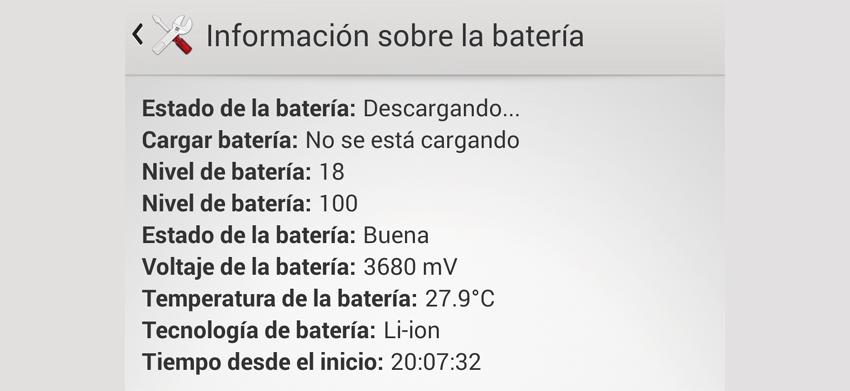
#3 – Battery Health & Stats
*#0228#
- Battery voltage,
- Temperature,
- Charging status
📌 This helps you spot battery problems early.
#4 – Full System Info Menu
*#*#4636#*#*
(This code is the same as #1, but on some devices, it gives you even more menu options.)
#5 – Factory Reset Menu
*#*#7780#*#*
⚠️ WARNING:
- Erases app data and settings.
- Does NOT delete SD card files
#6 – Complete Phone Wipe (Hard Reset)
*2767*3855#
🚨 DANGEROUS:
- Completely wipes your phone.
- Reinstalls firmware
#7 – Camera Firmware Info
*#*#34971539#*#*
- Camera version details,
- Firmware info,
- Camera update options
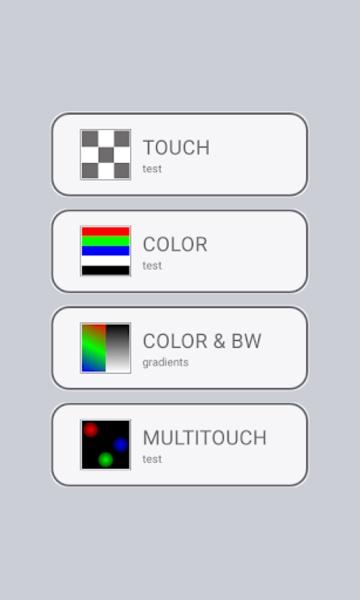
#8 – Touchscreen Test Mode
*#*#2664#*#*
- Tests screen responsiveness,
- Detects dead zones
#9 – Bluetooth Testing
*#*#232331#*#*
- Checks Bluetooth hardware status
#10 – WiFi Testing Mode
*#*#232339#*#*
- WiFi diagnostics
- Signal testing
#11 – GPS Test Mode
*#*#1472365#*#*
- GPS accuracy testing
- Satellite detection
#12 – Firmware Version Info
*#1234#
- Displays PDA, CSC, and modem version
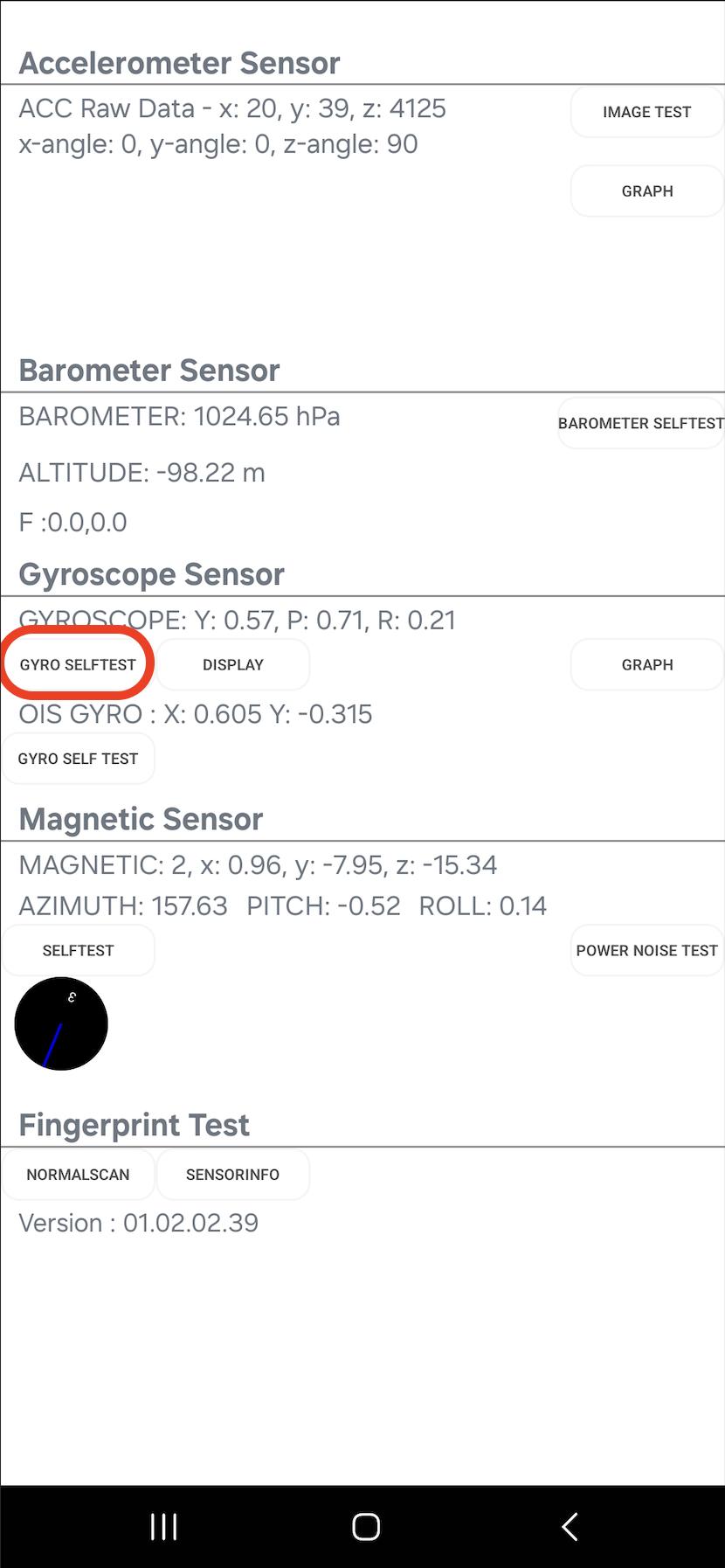
#13 – Service Mode (Samsung)
*#0*#
📱 Works mostly on Samsung Galaxy devices
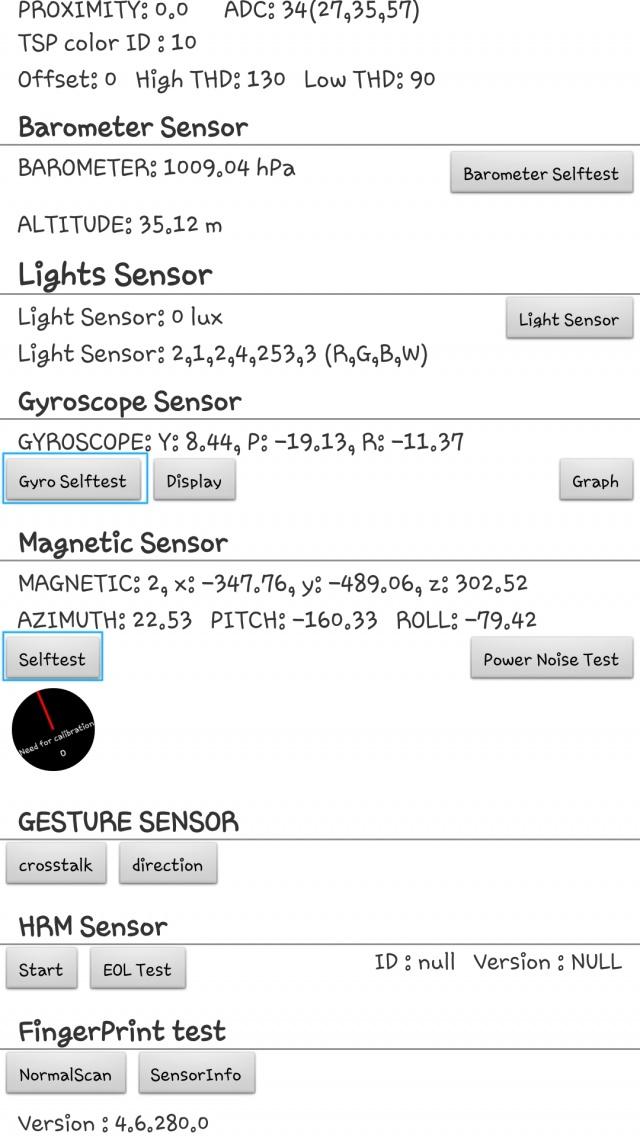
- Screen test
- Sensor test
- Speaker test
#14 – Call Forwarding Info
*#21#
- Shows call forwarding status
#15 – SIM Lock Status
*#7465625#
- Network lock status
#16 – Debug Dump Menu
*#9900#
- System logs
- Performance optimization tools
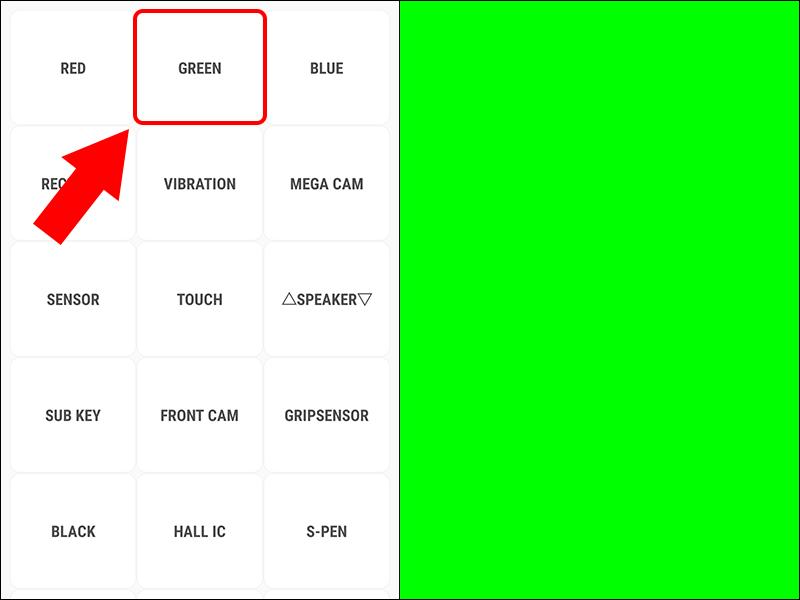
#17 – LCD Display Test
*#*#0*#*#*
- Screen color testing
- Pixel checks
#18 – Vibration & Speaker Test
*#*#0842#*#*
- Tests vibration motor
- Speaker response
#19 – Google Play Services Info
*#*#426#*#*
- Firebase / Play Services diagnostics
#20 – USB Configuration
*#0808#
- USB mode settings
- Developer connection tools
VISUAL REFERENCES (ANDROID SECRET MENUS)
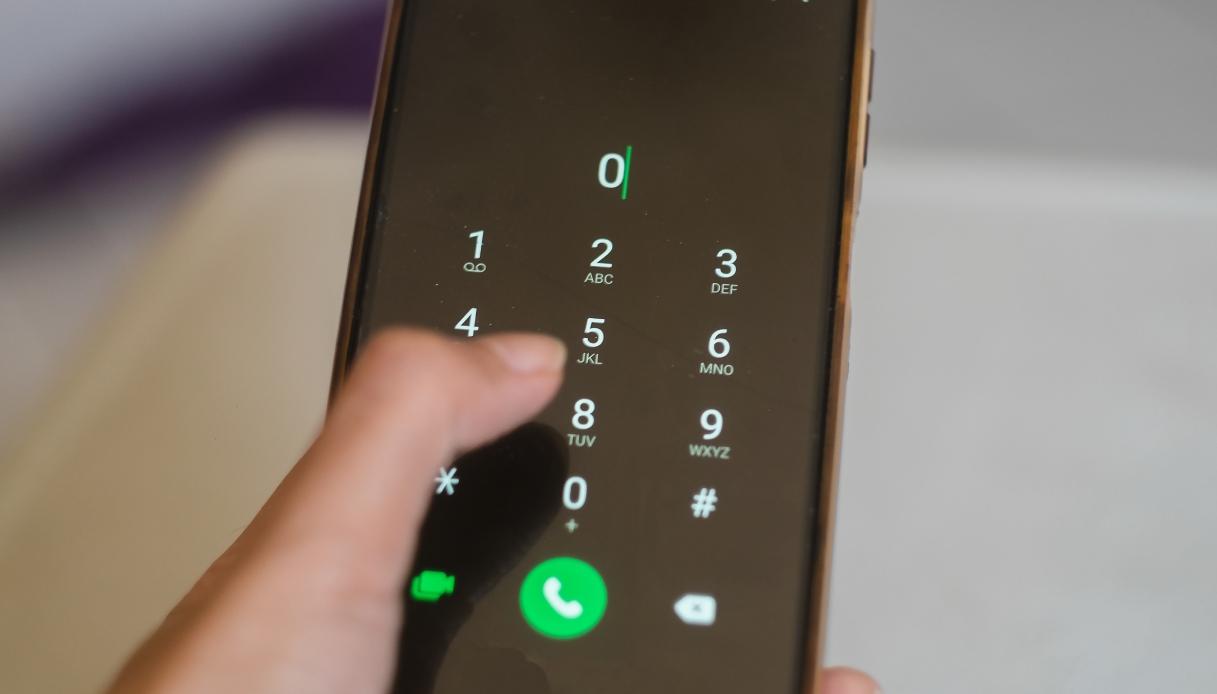
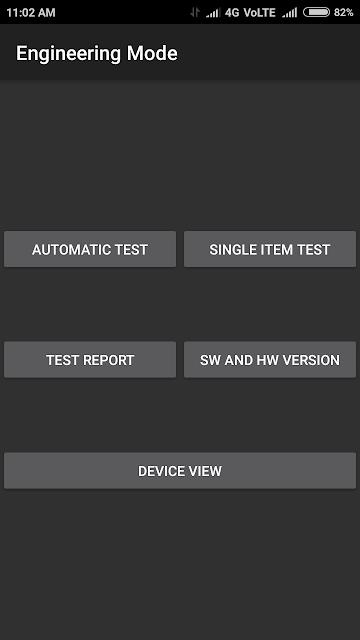
Dialer Secret Code Entry Example
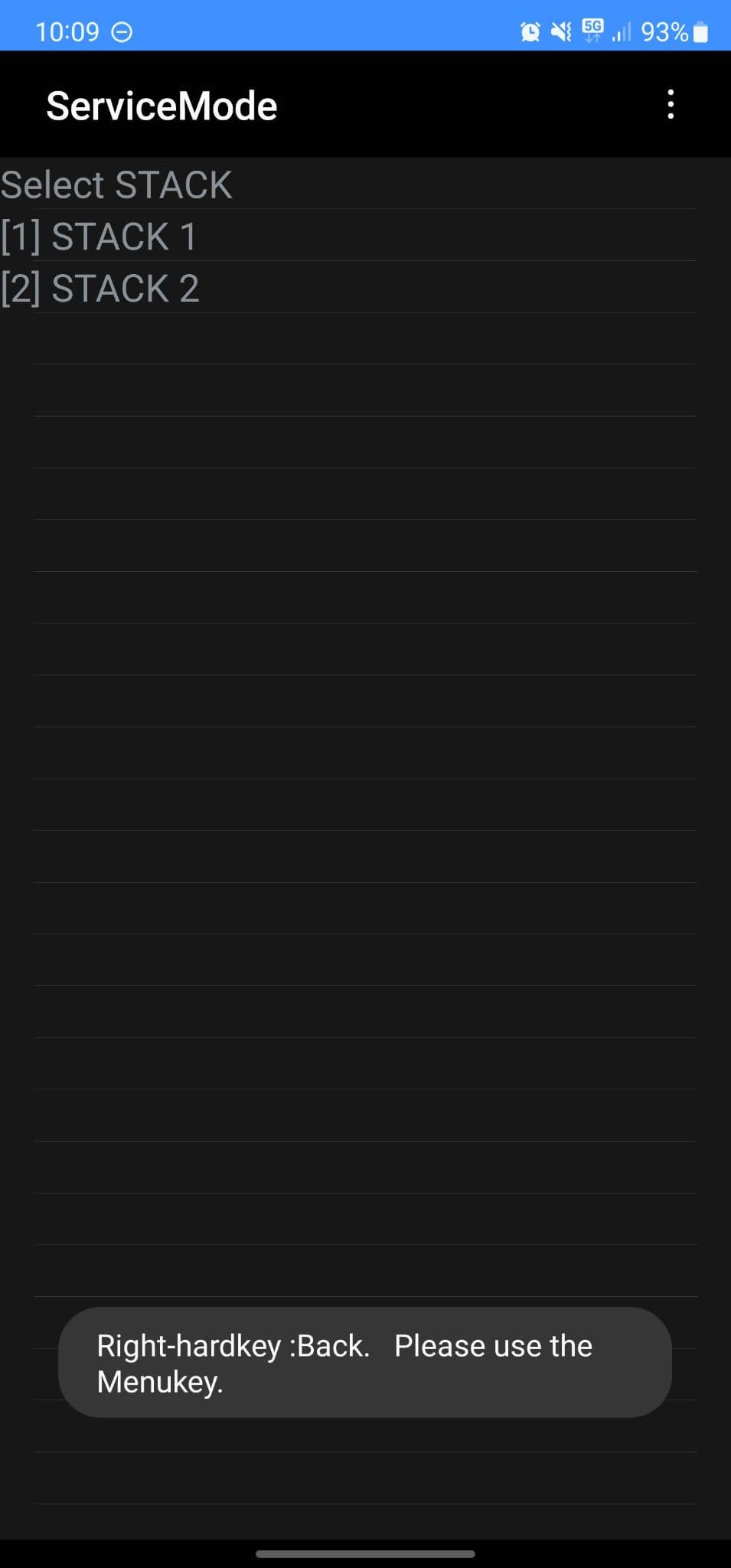
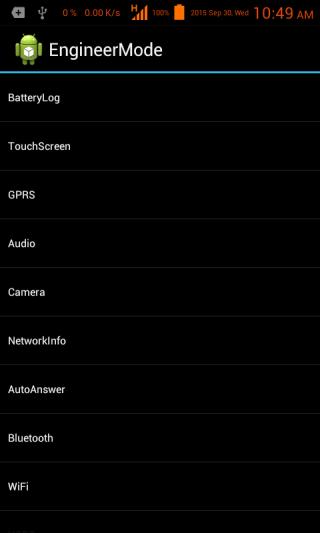
Hardware Test & Diagnostic Menus
⚠️ Important Safety Notes
- Never randomly execute reset or wipe codes
- Some codes differ by brand (Tecno, Infinix, Xiaomi, Samsung)
- Newer Android versions may block certain codes
- Always back up data before testing

