If you’ve ever used an Android phone and wondered, “What else is this device hiding?” you’re not alone. Android has hidden diagnostic menus, testing tools, and secret dialer codes that most users never touch.
🔎 What Are Android Secret Codes?
Android secret codes are special USSD or MMI commands entered into your phone’s dialer (the app where you make calls). They allow access to hidden menus for:
- Hardware testing
- Software information
- Battery health checks
- Network diagnostics
- Factory reset tools
Technicians and developers working with Google and OEM devices like Samsung, Tecno, Xiaomi, and others widely use these codes.
⚠️ Important: Some codes may vary depending on your phone brand (especially Samsung Galaxy devices and custom Android skins).
📊 Ranking Criteria (How I Selected These Codes)
I ranked the codes based on these criteria:
- Daily usefulness
- Risk level (safe vs dangerous)
- Device compatibility
- Information value
- Tech diagnostic importance
🏆 TOP 20 SECRET ANDROID CODES (RANKED)
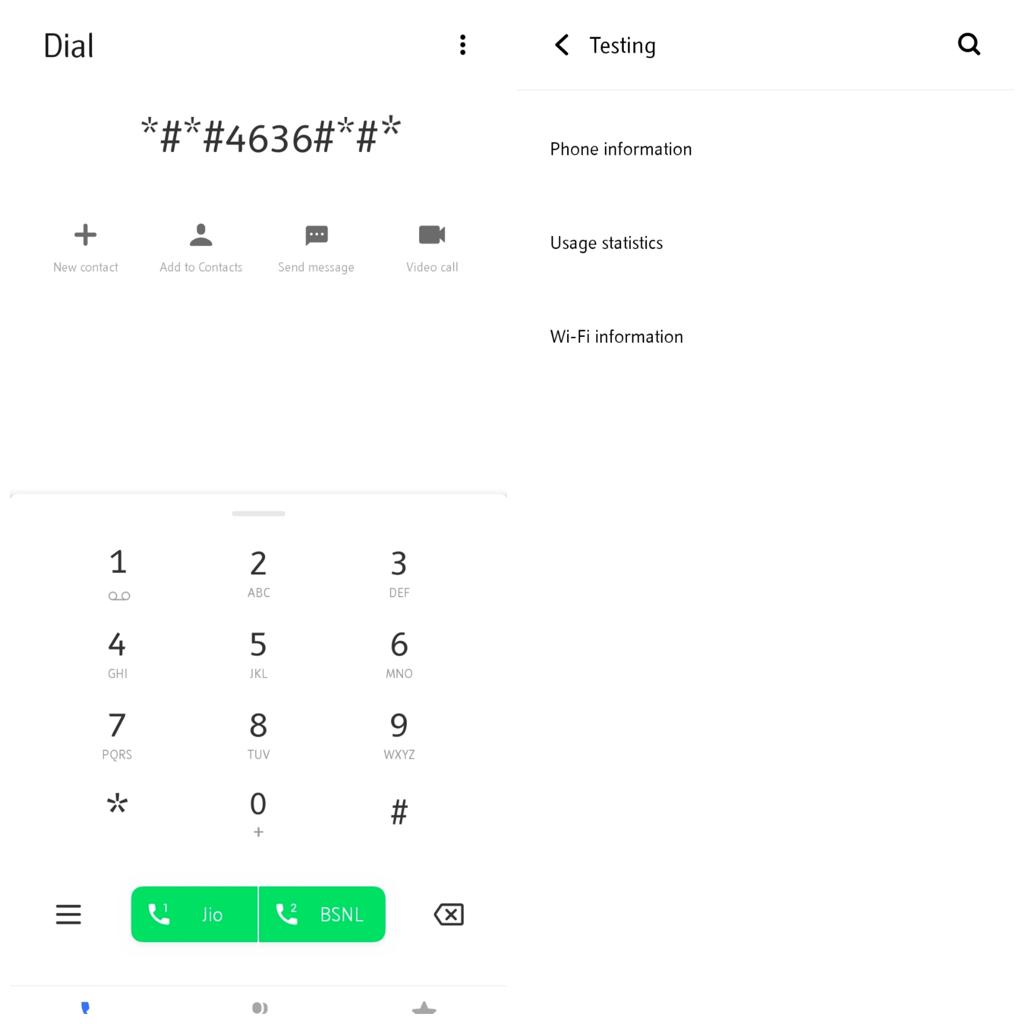
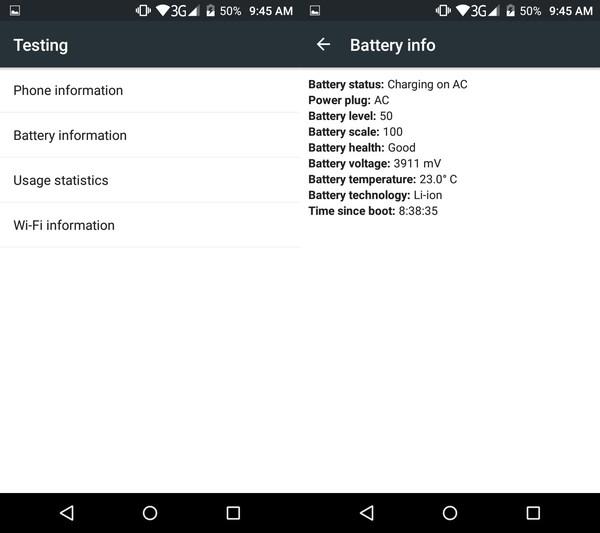
🥇 #1 – Check Phone Information
*#*#4636#*#*What it does:
- Shows phone usage statistics
- Battery info
- WiFi details
- Network signal strength
📌 Why it’s #1: This is the most powerful built-in diagnostic menu in Android.
🥈 #2 – IMEI Number Check
*#06#What it does:
- Displays your device IMEI instantly
📌 Why it matters: Useful for security, tracking, and warranty validation.
Useful for security, tracking, and warranty validation.
🥉 #3 – Battery Health & Stats
*#0228#- Battery voltage
- Temperature
- Charging status
📌 Very useful for spotting battery degradation early.
#4 – Full System Info Menu
*#*#4636#*#*Same as #1, but offers deeper menu access depending on the device.
#5 – Factory Reset Menu
*#*#7780#*#*⚠️ WARNING:
- Erases app data and settings.
- Does NOT delete SD card files
#6 – Complete Phone Wipe (Hard Reset)
*2767*3855#🚨 DANGEROUS:
- Completely wipes your phone.
- Reinstalls firmware
#7 – Camera Firmware Info
*#*#34971539#*#*- Camera version details,
- Firmware info,
- Camera update options
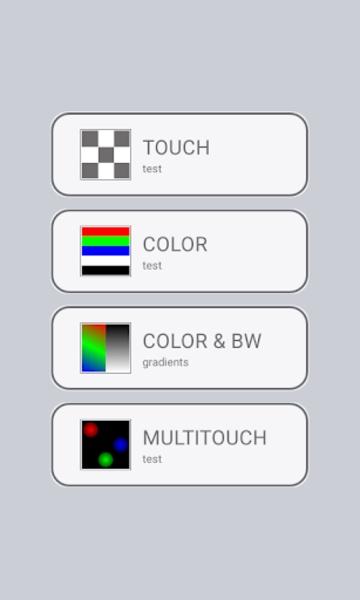
#8 – Touchscreen Test Mode
*#*#2664#*#*- Tests screen responsiveness,
- Detects dead zones
#9 – Bluetooth Testing
*#*#232331#*#*- Checks Bluetooth hardware status
#10 – WiFi Testing Mode
*#*#232339#*#*- WiFi diagnostics
- Signal testing
#11 – GPS Test Mode
*#*#1472365#*#*- GPS accuracy testing
- Satellite detection
#12 – Firmware Version Info
*#1234#- Displays PDA, CSC, and modem version
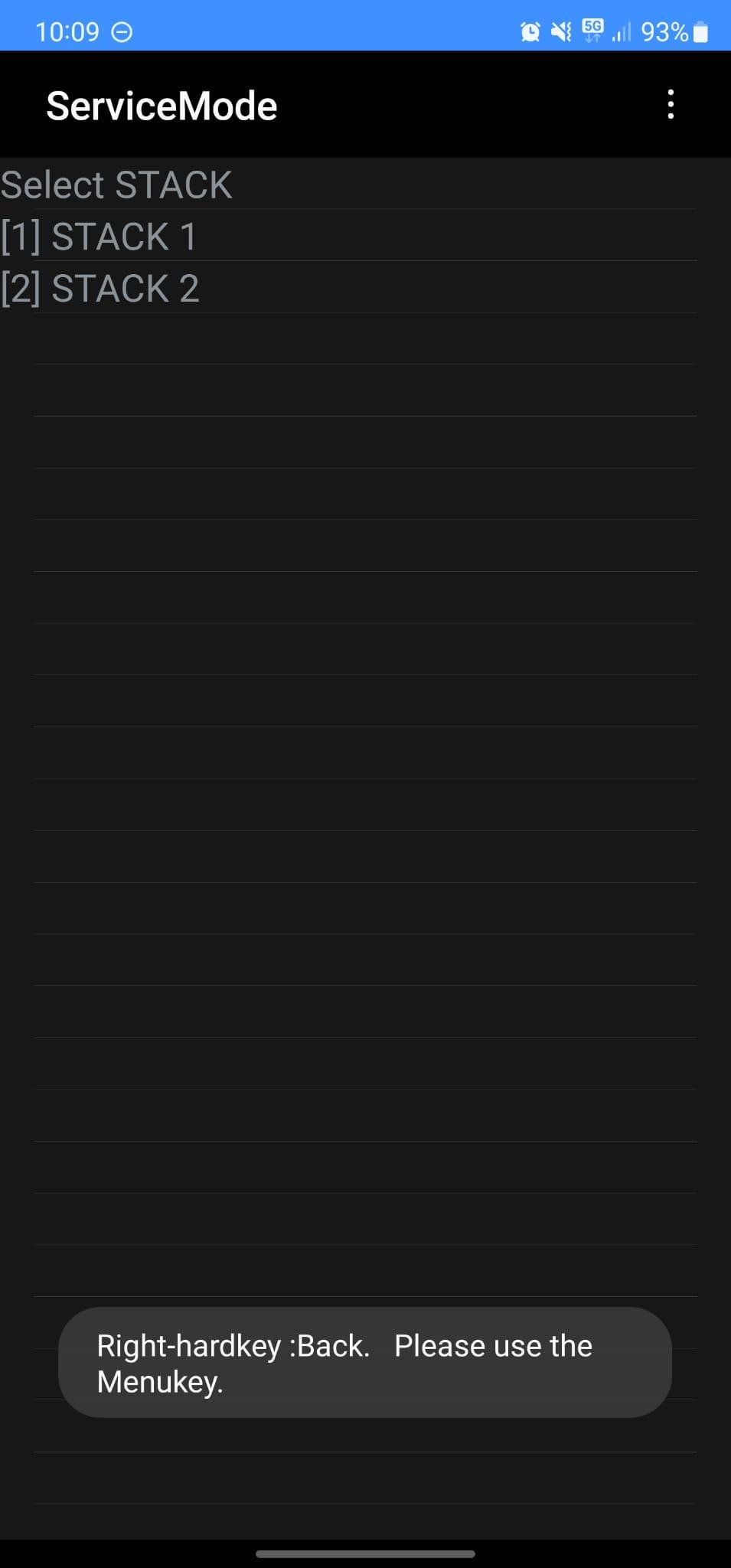
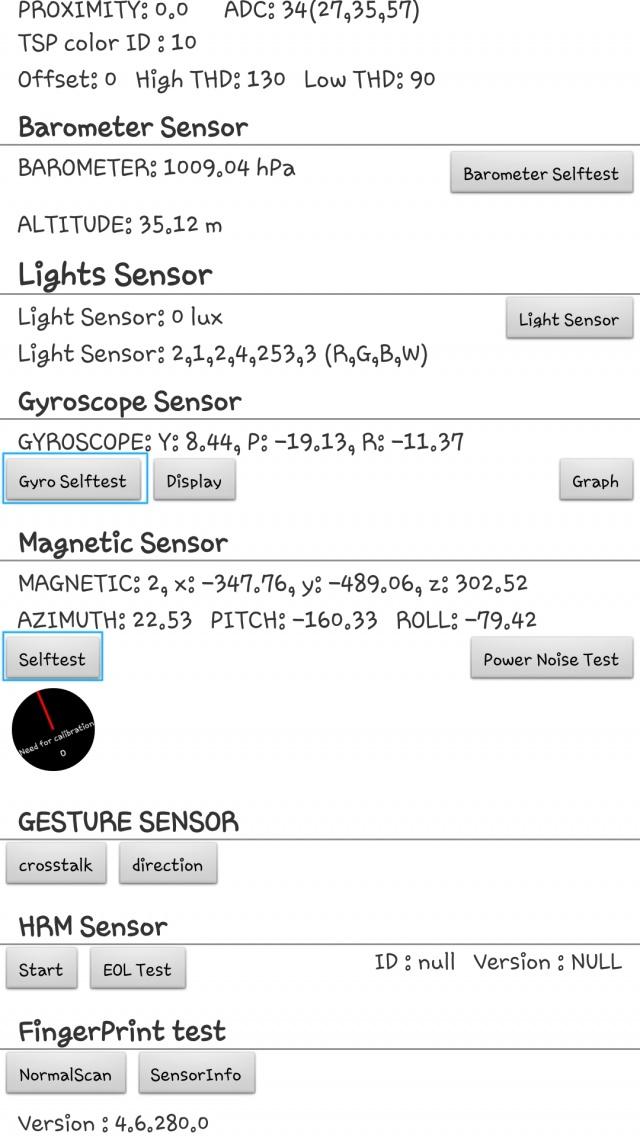
#13 – Service Mode (Samsung)
*#0*#📱 Works mostly on Samsung Galaxy devices
- Screen test
- Sensor test
- Speaker test
#14 – Call Forwarding Info
*#21#- Shows call forwarding status
#15 – SIM Lock Status
*#7465625#- Network lock status
#16 – Debug Dump Menu
*#9900#- System logs
- Performance optimization tools
#17 – LCD Display Test
*#*#0*#*#*- Screen color testing
- Pixel checks
#18 – Vibration & Speaker Test
*#*#0842#*#*- Tests vibration motor
- Speaker response
#19 – Google Play Services Info
*#*#426#*#*- Firebase / Play Services diagnostics
#20 – USB Configuration
*#0808#- USB mode settings
- Developer connection tools
🖼️ VISUAL REFERENCES (ANDROID SECRET MENUS)
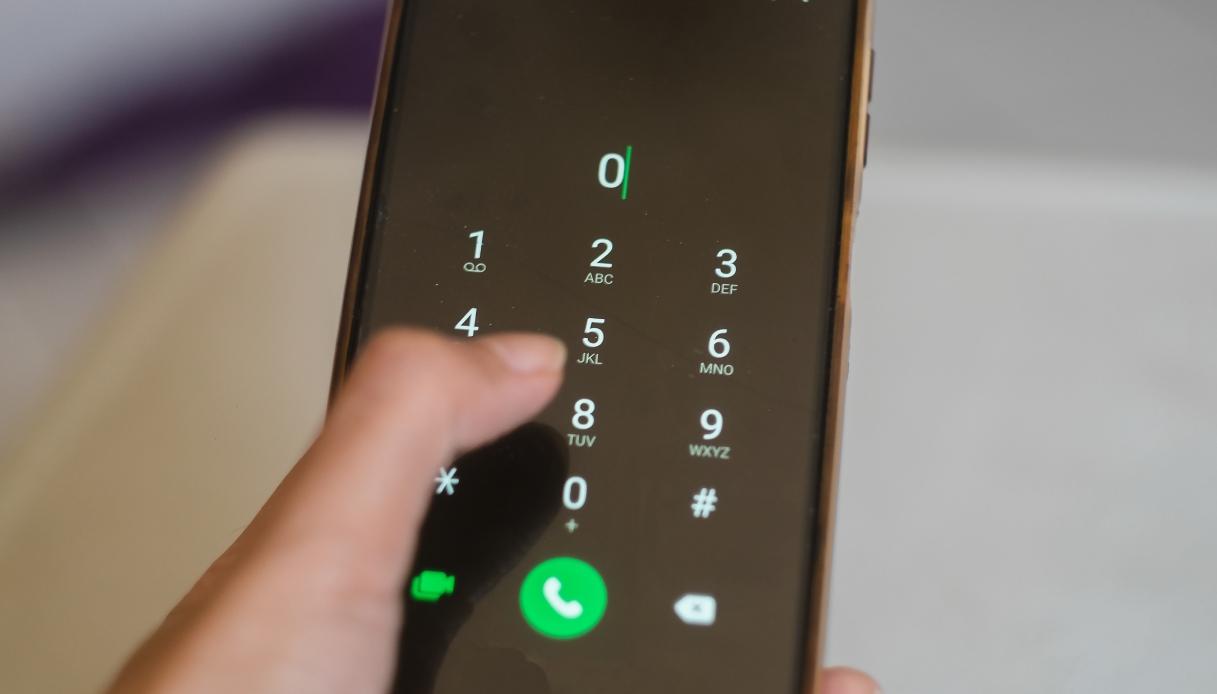
Dialer Secret Code Entry Example
Hardware Test & Diagnostic Menus
⚠️ Important Safety Notes
- Never randomly execute reset or wipe codes
- Some codes differ by brand (Tecno, Infinix, Xiaomi, Samsung)
- Newer Android versions may block certain codes
- Always back up data before testing