


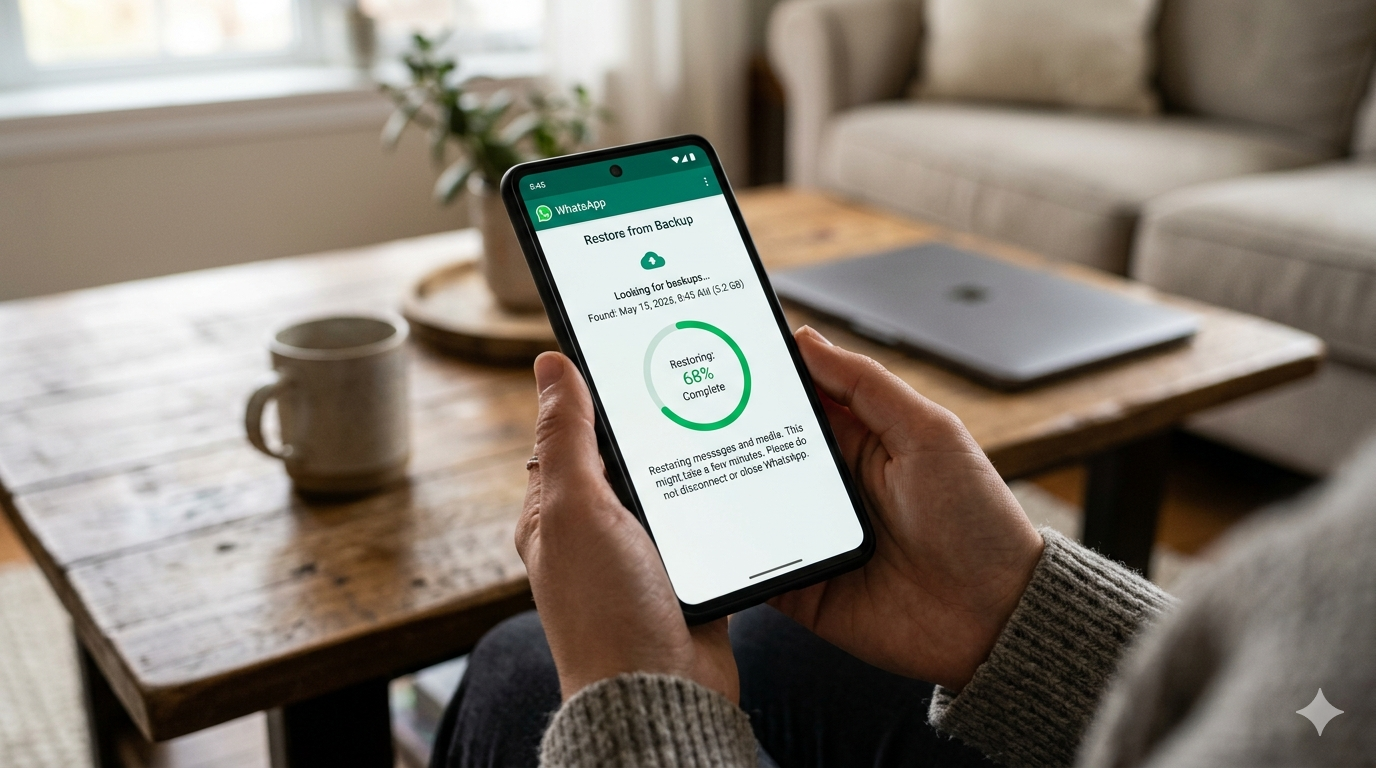
WhatsApp is one of the most widely used messaging platforms in the world, and losing important chats can be frustrating—especially when they contain business conversations, memories, or critical information. The good news is that in many cases, deleted WhatsApp messages can be recovered using built-in backup systems or device-level recovery methods.
This guide explains step-by-step how to restore deleted WhatsApp messages, covering Android, iPhone, Google Drive, iCloud, local backups, and third-party methods.
Can Deleted WhatsApp Messages Be Recovered?
Yes—deleted WhatsApp messages can often be restored, but the success depends on whether a backup exists before the messages were deleted.
WhatsApp automatically creates backups either on:
- Google Drive (Android)
- iCloud (iPhone)
- Local storage (Android devices)
If a backup exists, recovery is usually straightforward. If not, recovery becomes more limited but still possible in some cases using device storage tools or third-party apps.
1. Restore WhatsApp Messages from Google Drive (Android)
If you are using Android, Google Drive is the most common backup method.
Steps:
- Uninstall WhatsApp from your phone
- Reinstall it from the Google Play Store
- Open WhatsApp and verify your phone number
- Tap “Restore” when prompted
- Wait for chats to download from Google Drive
Important Notes:
- You must use the same Google account used for backup
- The phone number must match the backup account
- Backup must exist before deletion occurred
2. Restore WhatsApp Messages from iCloud (iPhone)
For iPhone users, WhatsApp backups are stored in iCloud.
Steps:
- Delete WhatsApp from your iPhone
- Reinstall it from the App Store
- Verify your phone number
- Tap “Restore Chat History”
- Wait for messages to load
Requirements:
- iCloud Drive must be enabled
- You must be logged into the same Apple ID
- Sufficient iCloud storage must be available
3. Restore Deleted WhatsApp Messages from Local Backup (Android Only)
Android devices often store local backups even without internet.
Steps:
- Open File Manager
- Go to:
- Internal Storage > WhatsApp > Databases
- Find files like:
- msgstore-YYYY-MM-DD.1.db.crypt14
- Rename the most recent backup to:
- msgstore.db.crypt14
- Uninstall WhatsApp
- Reinstall and restore from local backup
Advantage:
- Works even without Google Drive backup
- Can restore older messages
4. Restore WhatsApp Messages Without Backup (Limited Options)
If no backup exists, recovery becomes more difficult but not impossible.
Possible methods include:
- Checking notification history (Android 11+)
- Using phone data recovery tools
- Restoring from old device backups (Google One or iTunes)
- Contacting sender to resend messages
Warning:
Most “recovery apps” on the internet are unreliable. Only use trusted tools.
5. How to Check if WhatsApp Backup Exists
Before attempting recovery, confirm backup status:
On Android:
- Open WhatsApp
- Go to Settings
- Tap Chats
- Tap Chat Backup
On iPhone:
- Open WhatsApp
- Go to Settings
- Tap Chats
- Tap Chat Backup
You will see:
- Last backup date
- Backup size
- Google Drive or iCloud status
6. How to Enable Automatic WhatsApp Backup (Prevent Future Loss)
To avoid losing messages again, set up automatic backup:
Recommended Settings:
- Backup frequency: Daily
- Include videos: Optional (increases backup size)
- Wi-Fi only backup enabled
Benefits:
- Automatic recovery anytime
- Protection against accidental deletion
- Easy phone switching
7. Common Problems During WhatsApp Restoration
1. Backup Not Found
- Wrong Google/Apple account
- No backup was created
2. Stuck on Restoring
- Poor internet connection
- Large backup file
3. Missing Messages After Restore
- Backup was outdated
- Messages deleted before last backup
8. Best Practices to Avoid Losing WhatsApp Messages
- Enable daily backups
- Keep cloud storage space available
- Avoid uninstalling WhatsApp without backup
- Regularly verify backup status
- Export important chats manually
FAQ (SEO Boost Section)
Can I restore WhatsApp messages after deleting them?
Yes, if a backup exists on Google Drive or iCloud.
Can I recover WhatsApp messages without backup?
Only partially, using device storage or recovery tools.
Does WhatsApp keep deleted messages?
No, messages are not stored after deletion unless backed up.
How long does WhatsApp keep backups?
Until overwritten or deleted from cloud storage.
Can I restore old WhatsApp messages from years ago?
Yes, if an older backup file still exists.

