


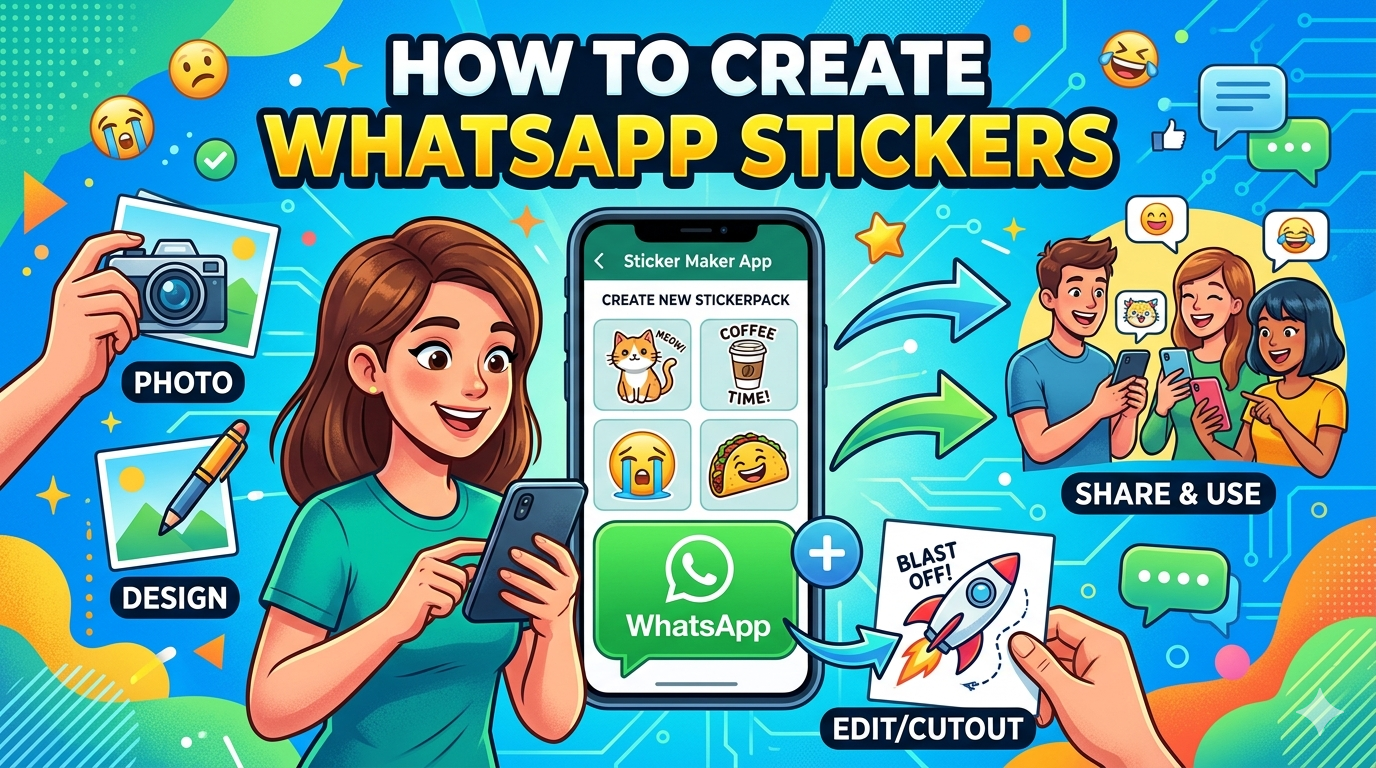
WhatsApp is one of the most widely used messaging platforms globally, and its sticker feature has become a major part of how people communicate visually. Instead of typing long messages, users now express emotions, jokes, and reactions using custom stickers.
If you’ve ever wondered how to create your own WhatsApp stickers, this guide will walk you through everything—from basic requirements to advanced methods using apps and Photoshop.
📌 What Are WhatsApp Stickers?
WhatsApp stickers are digital images that users send in chats to express emotions, reactions, or messages in a fun and visual way. Unlike emojis, stickers can be customized and can include personal photos, branding, memes, or illustrations.
You can use stickers on WhatsApp to make conversations more expressive and engaging.
📌 Why Create Your Own WhatsApp Stickers?
Creating custom stickers is useful for:
- Personal expression (friends, family, inside jokes)
- Branding and marketing (business promotion)
- Content creation (social media engagement)
- Monetization (selling sticker packs)
- Viral meme creation
Businesses especially use stickers to increase visibility in chats, making them a subtle but powerful marketing tool.
📌 Requirements to Create WhatsApp Stickers
Before you start, ensure you have:
- A smartphone (Android or iPhone)
- A sticker maker app OR Photoshop/Canva
- Transparent background images (PNG format)
- Minimum 3–5 images for a sticker pack
- WhatsApp installed on your device
📌 Method 1: Create WhatsApp Stickers Using Mobile Apps (Easiest Way)
This is the most popular method for beginners.
🔹 Step 1: Download a Sticker Maker App
Search and install apps like:
- Sticker Maker
- Wemoji
- Sticker.ly
🔹 Step 2: Create a New Sticker Pack
Open the app and:
- Tap “Create New Pack”
- Name your sticker pack
- Add author name
🔹 Step 3: Add Images
- Upload images from your gallery
- Crop them into shapes (preferably cut out background)
🔹 Step 4: Remove Background
Most apps allow automatic background removal.
Ensure images are clean PNG stickers.
🔹 Step 5: Export to WhatsApp
- Click “Add to WhatsApp”
- Confirm import
Your stickers will now appear inside WhatsApp’s sticker section.
📌 Method 2: Create WhatsApp Stickers Using Photoshop (Professional Method)
This method is ideal for designers and content creators.
🔹 Step 1: Open Photoshop
Create a new canvas:
- Size: 512 x 512 pixels
- Background: Transparent
🔹 Step 2: Import Your Image
- Place your image
- Use “Select Subject” tool to cut background
🔹 Step 3: Refine Edges
- Use “Select and Mask” tool
- Smooth edges for clean sticker look
🔹 Step 4: Export as PNG
- File → Export → PNG
- Ensure transparency is maintained
🔹 Step 5: Add to WhatsApp Using Sticker App
Use a sticker maker app to import your PNG files into WhatsApp.
📌 Method 3: Create WhatsApp Stickers Without Apps (Web Tools)
You can also use online tools such as:
- Canva
- Remove.bg
- Stickers Cloud Web Tools
Steps:
- Upload image
- Remove background automatically
- Download as PNG
- Upload to sticker maker app
- Export to WhatsApp
📌 Tips for Creating High-Quality WhatsApp Stickers
- Use high-resolution images
- Keep backgrounds transparent
- Avoid too much text
- Use bold and clear expressions
- Maintain consistent style across pack
- Stick to 512×512 px size
📌 How to Publish WhatsApp Sticker Packs
Once your stickers are ready:
- Open sticker maker app
- Tap “Publish”
- Share pack link with others
- Users can install your pack instantly
This is useful for influencers and brands who want viral reach.
📌 Common Mistakes to Avoid
- Using blurry images
- Ignoring transparent background
- Adding too many stickers in one pack
- Using copyrighted images without permission
- Overloading designs with text
📌 Advanced Idea: Sell WhatsApp Sticker Packs
You can monetize sticker creation by:
- Selling custom sticker packs on Fiverr
- Creating branded stickers for businesses
- Offering personalized sticker design services
- Uploading packs on marketplaces
This is becoming a growing digital micro-business trend.

