


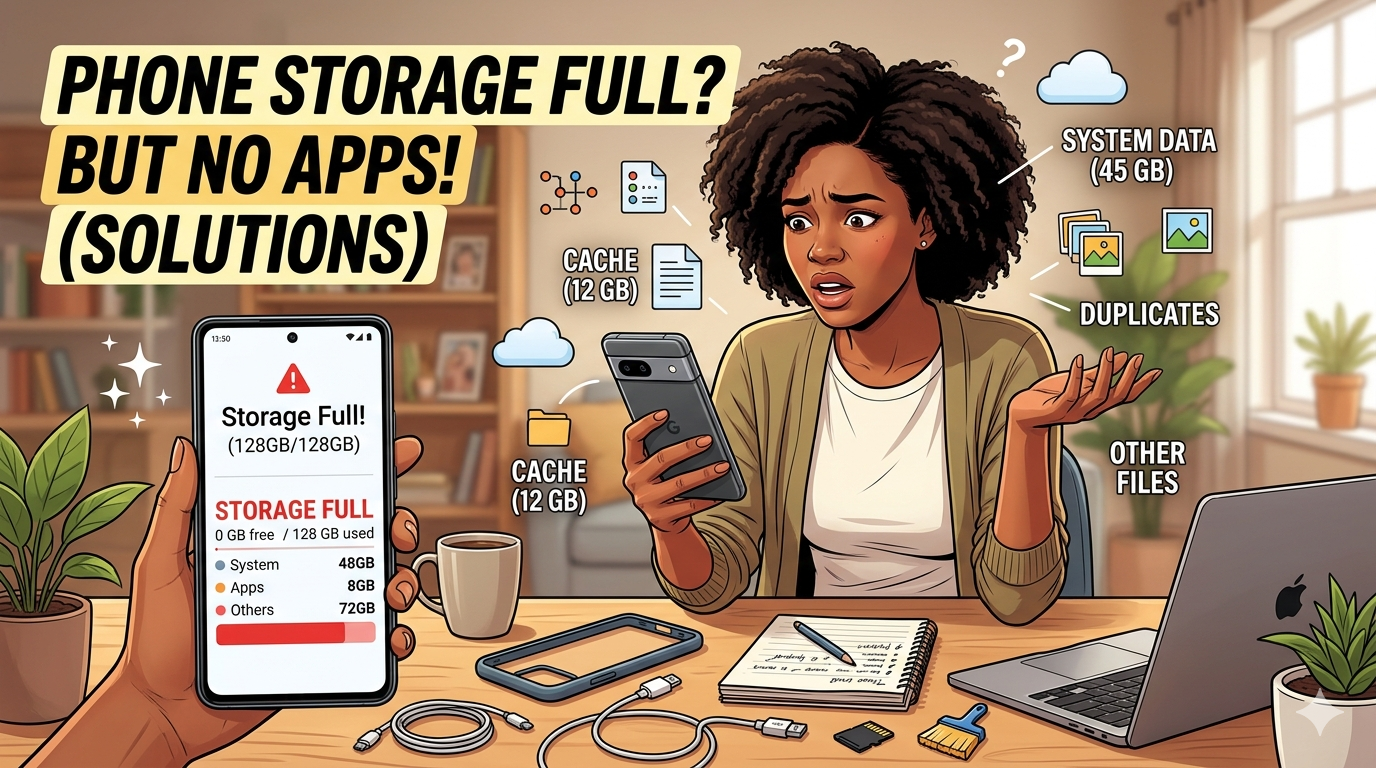
One of the most frustrating smartphone problems is seeing the warning: “Storage Full”, even when you barely have any apps installed. This issue affects both Android and iPhone users and often leaves people confused because the phone appears “empty,” yet refuses to download updates, take photos, or install apps.
If you are searching for phone storage full but no apps solution, you are dealing with hidden storage consumption. The good news is that this is completely fixable without needing technical skills or factory resetting your device immediately.
In this guide, you will learn why this happens, and step-by-step solutions to reclaim your storage space permanently.
Why Your Phone Storage Is Full Even Without Apps
Before fixing the issue, you need to understand the root causes. Storage does not only come from apps.
1. System Files and Cached Data
Your operating system stores temporary files that grow over time. These include updates, logs, and system cache.
2. Hidden App Data
Even if you delete apps, leftover folders often remain in storage.
3. WhatsApp and Social Media Media Files
Apps like WhatsApp, Telegram, Facebook, and Instagram silently store:
- Videos
- Voice notes
- Images
- Documents
4. Downloads Folder Overload
Many users forget the Downloads folder, which accumulates PDFs, APKs, and media files.
5. Thumbnail and Cache Storage
Your phone creates preview images (thumbnails) that can take up gigabytes over time.
6. System Updates Not Cleaned Properly
Failed or partial updates often remain stored.
7. “Other” Storage Category
Both Android and iOS have an “Other” or “System Data” category that includes hidden files.
Phone Storage Full but No Apps Solution (Step-by-Step Fixes)
Below are the most effective solutions to free space immediately.
1. Clear Cache for All Apps
Cached data is one of the biggest hidden storage users.
Steps:
- Go to Settings
- Tap Storage
- Select Cached Data
- Tap Clear Cache
On Android:
- Settings → Apps → Select app → Storage → Clear Cache
👉 This alone can free 1GB–10GB.
2. Delete Hidden Junk Files
Your phone stores hidden junk automatically.
Use built-in cleaner:
- Samsung: Device Care
- Xiaomi: Security App
- Tecno/Infinix: Phone Master
- iPhone: Offload unused apps
These tools remove:
- Residual files
- Temporary logs
- Old installation files
3. Clean WhatsApp Storage (Very Important)
WhatsApp is often the #1 storage killer.
Fix:
- Open WhatsApp
- Go to Settings → Storage and Data → Manage Storage
- Delete:
- Large videos
- Forwarded files
- Unused chats
👉 You can recover 2GB–20GB easily.
4. Delete Download Folder Content
Many users ignore this folder.
Steps:
- Open File Manager
- Go to Downloads
- Delete:
- APK files
- PDFs
- ZIP files
- Duplicate media
5. Remove Duplicate Photos and Videos
Gallery apps often duplicate files.
Solution:
- Use Google Photos or Gallery Cleaner
- Delete:
- Burst images
- Screenshots
- Duplicate downloads
6. Clear System Cache Partition (Android Advanced Fix)
This does NOT delete your data.
Steps:
- Turn off phone
- Hold Power + Volume Up
- Enter Recovery Mode
- Select “Wipe Cache Partition”
7. Offload Unused Apps (iPhone Users)
Instead of deleting apps completely:
- Go to Settings → General → iPhone Storage
- Tap apps → Offload App
This removes app size but keeps data.
8. Delete Old System Updates
Sometimes updates remain stored.
Android:
- Settings → Storage → System Files
- Delete old update packages if available
9. Move Files to Cloud Storage
Use:
- Google Drive
- iCloud
- OneDrive
Move:
- Videos
- Photos
- Documents
10. Use SD Card (If Supported)
If your phone supports SD cards:
- Move photos and videos
- Set camera storage to SD card
11. Check “Other” Storage Category
If “Other” is very large:
- Restart phone
- Clear cache
- Update system software
12. Delete Offline Media from Apps
Apps like:
- Spotify
- YouTube
- Netflix
store offline files.
Remove downloads inside each app.
13. Remove Large Hidden Files via File Manager
Search for:
- .temp files
- .log files
- .apk files
Delete unnecessary ones.
14. Restart Your Phone Regularly
A restart:
- Clears RAM cache
- Fixes storage misreporting
- Refreshes system indexing
15. Last Option: Factory Reset (Only If Necessary)
If nothing works:
- Backup files
- Reset phone
This clears everything including hidden storage bugs.
2. FAQ
Q1: Why is my phone storage full even though I deleted apps?
A: Hidden cache, WhatsApp media, system files, and thumbnails often consume storage without showing as apps.
Q2: How do I free storage without deleting apps?
A: Clear cache, delete WhatsApp media, remove downloads, and use cloud storage.
Q3: What is taking up my phone storage secretly?
A: System data, cached files, offline media, and duplicate files.
Q4: Is factory reset the only solution?
A: No, most cases are solved by clearing cache and hidden files.
Q5: How often should I clean my phone storage?
A: At least once every 2–4 weeks for optimal performance.

